For businesses operating within the Tri-Cities: Kennewick, Pasco, and Richland: a website functions as the primary digital storefront. However, a digital presence is insufficient if it fails to convert visitors into actionable leads. WordPress provides a robust framework for lead generation, but technical execution determines the final conversion rate.
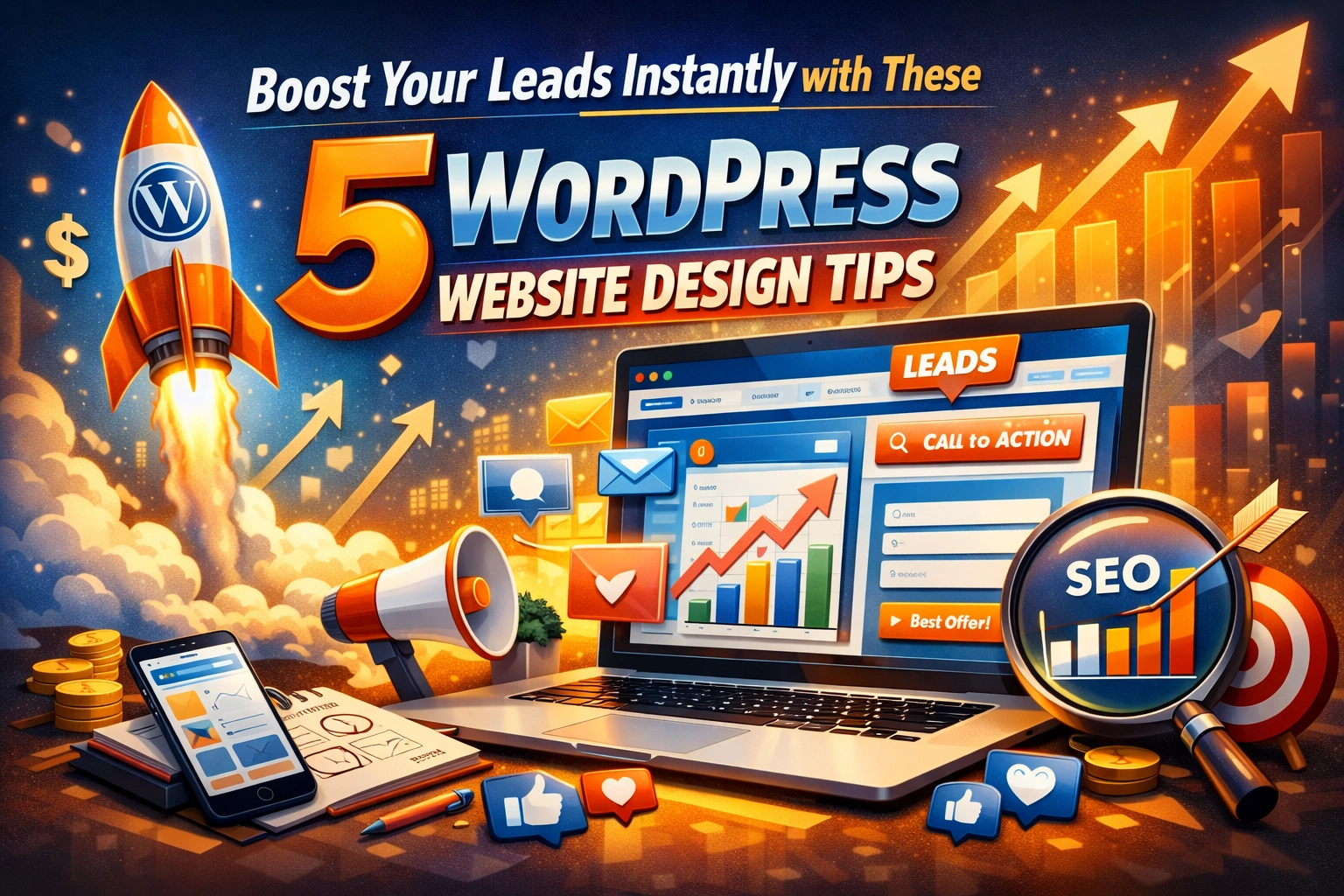
The following directives outline five critical WordPress design strategies designed to optimize user engagement and maximize lead acquisition.
1. Implement Absolute Responsive Design
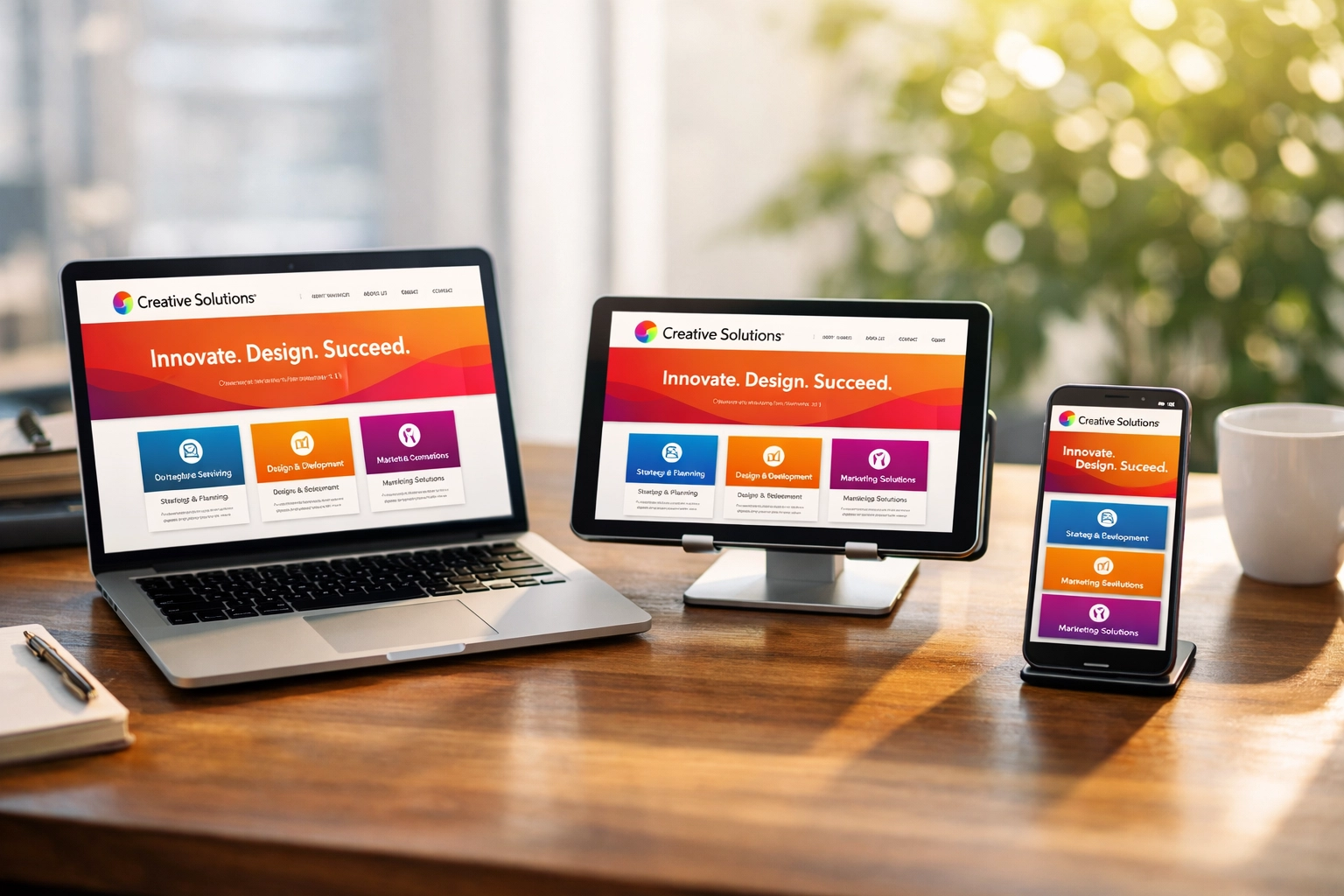
Mobile devices account for approximately 60% of global web traffic. In a local market like the Tri-Cities, users frequently search for professional services while mobile. Failure to provide a seamless mobile experience results in immediate lead attrition.
- Execute Fluid Grid Layouts: Utilize WordPress themes or builders that support fluid grids. Ensure that all elements: text, images, and buttons: resize proportionally to the viewport of the device.
- Prioritize Thumb-Zone Navigation: Place critical interactive elements, such as "Call Now" buttons or navigation toggles, within the natural reach of a user's thumb.
- Audit Cross-Browser Compatibility: Test the website across Chrome, Safari, and Firefox on both iOS and Android platforms to identify rendering inconsistencies.
- Integrate Scalable Vector Graphics (SVG): Use SVGs for logos and icons to maintain visual fidelity at any resolution without increasing file weight.
Responsive design is not merely a visual preference; it is a search engine optimization requirement. Google utilizes mobile-first indexing, meaning a non-responsive site will suffer reduced visibility in local search results. For specialized assistance in establishing a mobile-first architecture, refer to our UX/UI design services.
2. Execute High-Performance Speed Optimization
Website loading speed is directly correlated with bounce rates and conversion potential. A delay of a single second can result in a significant percentage drop in conversions. Local businesses must prioritize technical performance to retain impatient visitors.
- Deploy Advanced Caching Solutions: Utilize plugins such as WP Rocket or W3 Total Cache to serve static HTML versions of pages, reducing the load on the server.
- Optimize Image Assets: Implement Next-Gen formats like WebP. Use tools to compress images before upload and utilize "Lazy Loading" to ensure images only load as they enter the user's viewport.
- Minify Code Structure: Strip unnecessary characters from HTML, CSS, and JavaScript files. This reduces the total payload delivered to the visitor's browser.
- Utilize a Content Delivery Network (CDN): Distribute website content across a network of global servers to minimize the physical distance data must travel, ensuring rapid access for Tri-Cities users and beyond.
Performance optimization requires ongoing maintenance. Businesses often benefit from structured website management to ensure speed remains consistent as content grows.
3. Engineer Compelling Calls-to-Action (CTAs)
A Call-to-Action (CTA) is the bridge between user interest and lead generation. Vague or hidden CTAs result in missed opportunities. Professional WordPress design requires high-visibility, action-oriented instructions.
- Utilize High-Contrast Visuals: Select a CTA button color that deviates significantly from the primary site palette. This creates a focal point that naturally draws the eye.
- Strategic Above-the-Fold Placement: Ensure the primary conversion goal (e.g., "Request a Quote") is visible immediately upon page load without requiring the user to scroll.
- Employ Imperative Verbiage: Replace passive language like "Submit" or "Click Here" with direct, value-driven commands such as "Download Your Free Guide," "Schedule Your Consultation," or "Start Your Project."
- Implement Sticky Headers: Keep the primary CTA visible in the header as the user scrolls down long-form content, ensuring the opportunity to convert is always accessible.
For high-converting layouts that emphasize these elements, view our web design portfolio.

4. Streamline Navigation and User Experience (UX)
Complexity is the enemy of conversion. If a potential lead in Kennewick or Richland cannot find your contact information within three seconds, they will migrate to a competitor.
- Simplify Menu Hierarchy: Limit the primary navigation menu to five or seven essential items. Group secondary pages into logical sub-menus to prevent visual clutter.
- Incorporate Internal Linking: Link service descriptions directly to contact pages. This reduces the "clicks-to-lead" ratio.
- Maintain Consistent UI Patterns: Ensure buttons, fonts, and link styles are uniform throughout the site. Inconsistency breeds distrust and user confusion.
- Optimize Form Fields: Reduce the number of required fields in contact forms. Every additional field decreases the likelihood of form completion. Only request information essential for the initial lead qualification.
Effective navigation design focuses on the user's intent. For more information on how we structure intuitive sites, visit our services page.

5. Architect High-Converting Landing Pages with Social Proof
Generic pages rarely convert as well as dedicated landing pages tailored to specific services or local search terms. A landing page should have a singular focus and provide immediate credibility.
- Define Clear Value Propositions: State exactly what the business offers and why it is the superior choice for Tri-Cities residents within the first heading.
- Integrate Social Proof Elements: Embed Google Reviews, video testimonials, and trust badges (such as Chamber of Commerce logos) directly onto the page.
- Eliminate Exit Points: On dedicated lead-capture landing pages, consider removing the main navigation menu to keep the user focused entirely on the conversion form.
- Leverage Local Relevance: Use local landmarks or community-specific language to build immediate rapport with the Tri-Cities audience.
Credibility is reinforced by transparency. Including a link to client testimonials or a detailed FAQ section can mitigate user hesitation.

The WordPress Power Stack: Essential Plugins for Leads
While design provides the framework, WordPress plugins provide the functionality required to capture and manage leads effectively.
- WPForms: A premier drag-and-drop form builder. It allows for the creation of contact forms, payment forms, and surveys with ease.
- Yoast SEO: Essential for ensuring your lead-generating content is actually found by local users. It guides the optimization of meta tags and readability.
- OptinMonster: A powerful tool for creating pop-ups, slide-ins, and "exit-intent" overlays that capture users before they leave the site.
- MonsterInsights: Connects WordPress to Google Analytics, allowing you to track which design elements are actually producing leads.
Conclusion: Data-Driven Design for Tri-Cities Growth
Lead generation on WordPress is not a result of aesthetic chance; it is the outcome of intentional technical and psychological design. By prioritizing mobile responsiveness, site speed, clear CTAs, intuitive navigation, and social proof, businesses in Kennewick, Pasco, and Richland can transform their websites into high-performance sales assets.
If your current platform is failing to deliver results, YLD Web Design specializes in high-conversion strategies tailored to the local market. Explore our website in a day service for rapid deployment or contact us to begin a comprehensive SEO and design audit.